
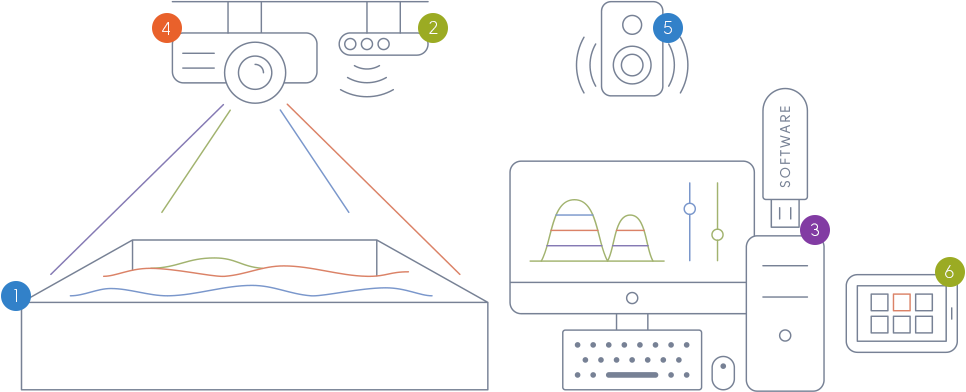
Hardware setup

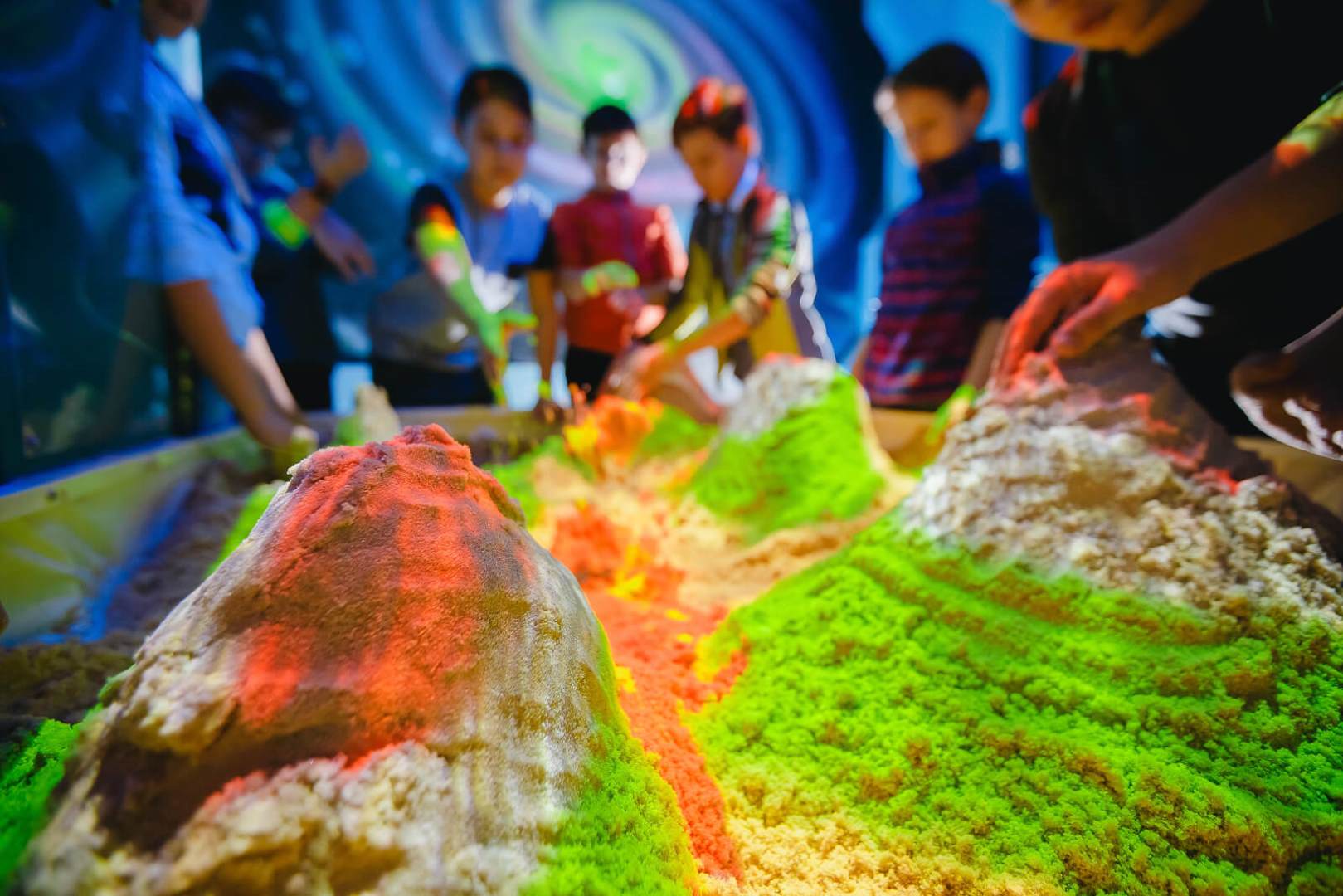
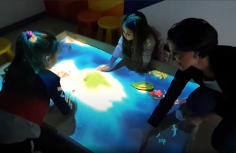
Players shape the sand to create landscapes/objects and use gestures to control game play.

The depth measurement sensor (Kinect or other device) captures the distance to the sand surface and player gestures.

The computer uses the augmented reality sandbox software to process the data from the depth sensor and render the augmented reality scene.

The projector projects the image received from the computer down to the augmented reality sandbox.

The sound system plays the sounds from the computer.

The tablet is used to manage the sandbox using the iSandbox mobile application.
Installation and system requirements
Recommended PC configuration: Core i3 9100 or an equivalent, 8 GB of RAM, Geforce GTX 1050, 140 GB of free disk space
Recommended projector resolution: 1280x800 or 1920x1080
Supported operating systems: Windows 10 IoT Ent 2019 LTSC Value, Windows 10 IoT Ent 2019 LTSC High End, Windows 10 Pro
Installation process:
- Mount the projector and the sensor above the sandbox.
- Connect them to the PC.
- Install the audio system (optional).
- Install the augmented reality sandbox software.
- Calibrate the sensor or use a fake depth map for testing purposes.
- Install the mobile application on the tablet (optional).
We will be happy to remotely assist you with AR software deployment and sensor calibration.
Why choose us
We will help you choose the right modes for your augmented sandbox software. We can also develop custom functionality for your projects. There are many reason why iSandBOX is the augmented reality sandbox software of choice for building your own sandbox.
Superb graphics
Smooth and realistic animation, bright colors, pixel and vertex shaders for water, lighting, transparency, refraction and global illumination effects.

Realistic simulation
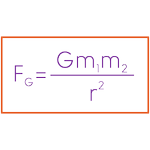
Realistic landscape behavior depending on climatic zones and other conditions, realistic solid body and liquid physics, lava, water, smoke.
Good optimization
Zero-lag gameplay. AR sandbox software will smoothly run on an integrated GPU (Ryzen 3500G) or an entry-level dedicated GPU (GeForce GTX 1030).
Detailed documentation
Our augmented reality sandbox software includes documentation and instructional videos for installing the drivers, the software and for calibrating the sensor.

Great customer support
Remote assistance with the installation of augmented reality sandbox software and sensor calibration, live technical support, custom development.

Games and applications
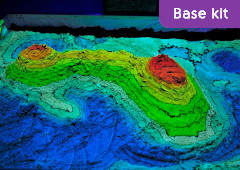
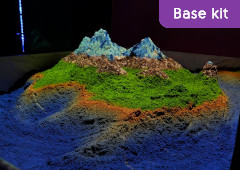
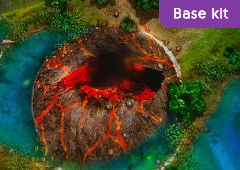
The Base augmented reality sandbox software kit comes with 26 games and applications. Others are available for purchase separately.
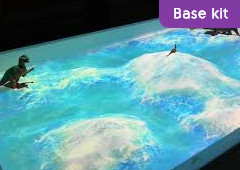
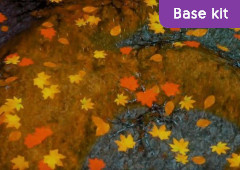
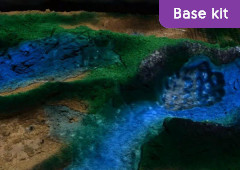
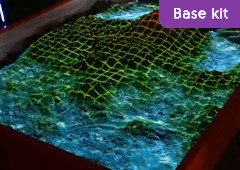
These applications educate and entertain. Players learn how our planet works and how topographic maps reflect real landscapes. They shape the sand with their own hands creating elevated and lowland areas, volcanoes, lakes and rivers.
 ▶
▶ ▶
▶ ▶
▶ ▶
▶ ▶
▶ ▶
▶ ▶
▶ ▶
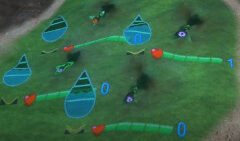
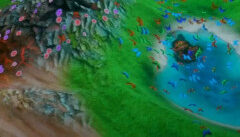
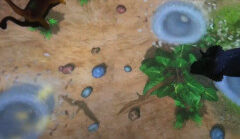
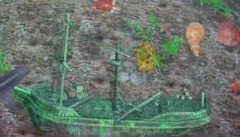
▶Besides visualizing landscape and climates and seasons, our augmented reality sandbox engine adds real-life flora and fauna creating realistic ecosystems. These worlds also respond to landscape changes that can make the populations flourish or perish. There are also games involving creatures where realism is not necessary but humane treatment of living beings is encouraged.
 ▶
▶ ▶
▶ ▶
▶ ▶
▶ ▶
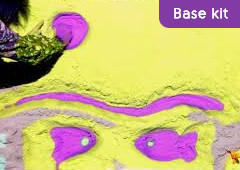
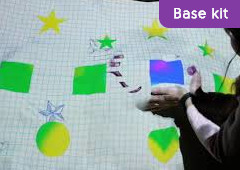
▶These games for the augmented reality sandbox enable kids to distinguish shapes and colors, apply and develop their artistic taste and basic skills. Of course, the games are a great attention grabber and fun to play.
 ▶
▶ ▶
▶ ▶
▶ ▶
▶ ▶
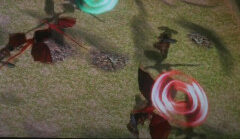
▶These modes combine physical activity and creativity in a wide variety of gaming experiences, spanning such genres as adventure, sports, action and real-time strategies. These modes are bought separately from the base augmented reality software.
 ▶
▶ ▶
▶ ▶
▶ ▶
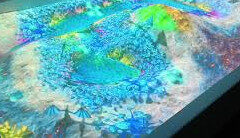
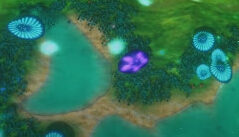
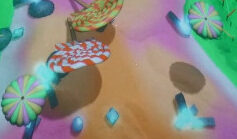
▶Realistic simulations are fun and entertaining but sometimes you’d want something fancy or fantasy. Kids get carried away in fairytale worlds, excited by bright-colored landscapes and fantastic creatures.
 ▶
▶ ▶
▶ ▶
▶Videos by media, partners and customers
 ▶
▶ ▶
▶ ▶
▶ ▶
▶ ▶
▶ ▶
▶ ▶
▶ ▶
▶Contact us
Universal Terminal Systems, Llc.
- 2, Odrin str, Burgas, Bulgaria, 8001
- [email protected]