
About iSandBOX – an augmented reality sandbox
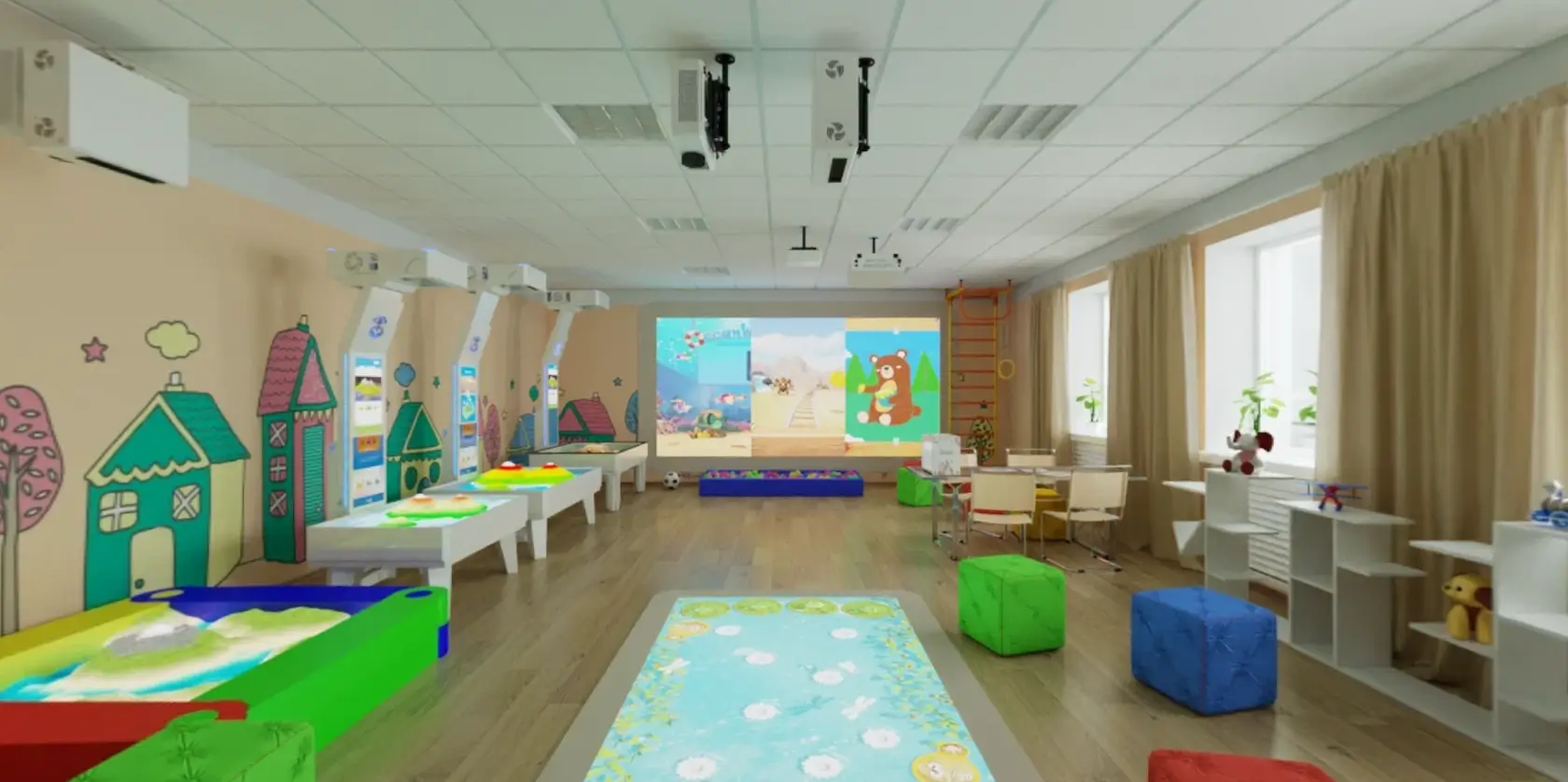
iSandBOX is an innovative system that completes traditional sandplay with augmented reality.
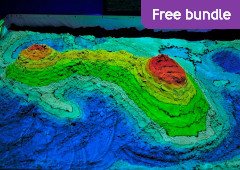
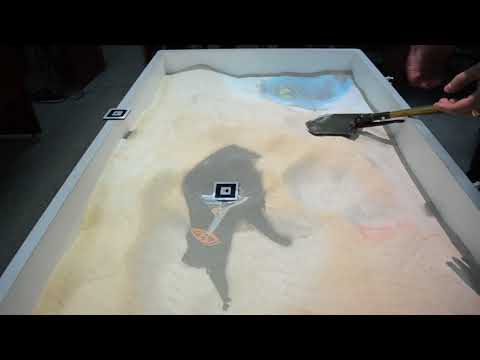
iSandBOX turns the sand surface into a colorful interactive 3D play area that responds to every movement of the player. Our interactive sandbox animates and enriches sandplay experience. The sandbox allows the players to play and learn in a universe that they build and shape with their own hands. iSandBOX is especially great for studying topography and geography: contour lines, rivers, mountains, volcanoes, etc.
iSandBOX is a multifunctional projected reality station that brings unforgettable experiences and outstanding results in:
- Education
- Entertainment
- Therapy
- Exhibitions
How does it work?

How does it work?

The depth sensor captures a 3D height map of the sand surface in real time.

This data is transferred to the PC

The PC processes the data and constantly updates the image sent to the projector

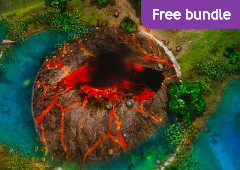
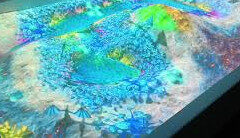
The projector creates augmented reality on the sand surface by projecting realistic textures — blue water, red volcanic lava, green hills, contour lines making iSandBOX a perfect tool for teaching topography
Augmented reality objects instantly react to changes of the AR sandbox landscape and player hand movements.
Learn more
The sandbox is filled with regular wet sand. The projector located on top constantly produces an image onto the sand. The Kinect depth sensor located next to the projector detects motion. Thus, AR sandbox users interact with the augmented reality using their gestures.
With Kinect, the AR sandbox comes alive – any action of the user detected by the sensor is analyzed and processed by the PC.
As the AR sandbox surface changes, the projector transforms the image, its colors, and shapes.
iSandBOX also has a display and pushbuttons (in Standard and Mini models only) helping AR sandbox users manage the modes and adjust main settings.
Augmented reality sandbox software
iSandBOX software completes the projected reality station with a set of modes that feature high-quality graphics and game mechanics. The modes visualize natural phenomena, and produce realistic scenes and events that respond to the movement of the sand surface. The projected image immediately responds to changes in the augmented reality sandbox landscape and player movements.
The Basic Modes software package contains the modes for studying geography, topography, flora, fauna and other natural phenomena, objects and concepts. This package with 16 modes is included with every iSandBOX and it comes free of charge.
For your interactive sandboxes, we also offer several extra modes that can be purchased at an additional charge.
 ▶
▶ ▶
▶ ▶
▶ ▶
▶ ▶
▶ ▶
▶ ▶
▶ ▶
▶ ▶
▶ ▶
▶ ▶
▶ ▶
▶ ▶
▶ ▶
▶ ▶
▶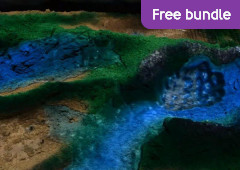 ▶
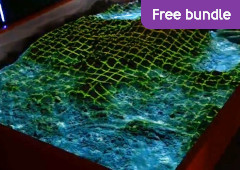
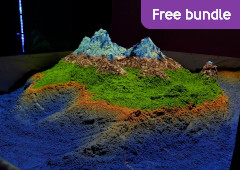
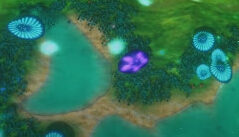
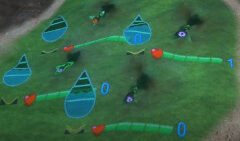
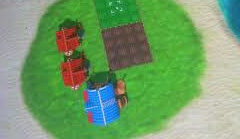
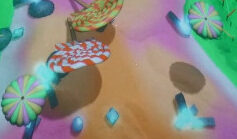
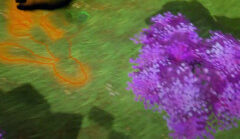
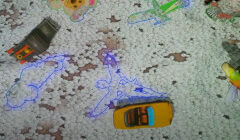
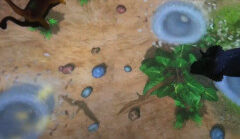
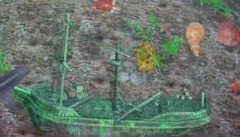
▶These extra modes add new themes and games to the AR sandbox. They enhance children’s learning and playing experiences. These modes will help develop children’s imagination and provide endless opportunities for role-playing and learning in a unique interactive environment created by the software.
 ▶
▶ ▶
▶ ▶
▶ ▶
▶ ▶
▶ ▶
▶ ▶
▶ ▶
▶ ▶
▶ ▶
▶With our team of professionals in game development, design and engineering, your project is in caring and capable hands. We develop customized AR sandbox solutions for entertainment, visualization and unique media content to express your brand identity.
We can develop new modes for iSandBOX that will visualize the concepts and processes that you have in mind for your AR sandbox.
Who might be interested?
- Indoor attractions park integrators
- Natural history, popular science museums
- Network malls
- Hotel networks
- Theme Parks
- Expos
- Schools, colleges, universities
Order AR sandbox from us and we will help you build an emotional connection between the users and your brand by creating your authentic story. Just send us a request, describing what you would like to have in your AR sandbox.
Very easy to use
iSandBOX is supplied with a tablet to control and manage your AR sandbox. It helps to easily switch between the modes and customize scenarios of your iSandBOX.
This is an especially valuable tool for educators and therapists who would like to combine different modes based on the purpose of the lesson or a therapy session. This way, they can immerse children in a unique world created by the sandbox so that they could actively learn and live through new experiences.
Highlights
Education
Numerous childcare centers, elementary schools, and science museums use our interactive sandbox as a great educational tool.
Learn more
iSandBOX will help educators to conduct engaging classes, where the students can become active learners

- Preschools and Kindergartens
- Elementary and High Schools
- Universities
- Childhood development center
Entertainment
Powered by augmented reality, iSandBOX provides endless possibilities in children’s entertainment, including games and creativity modes.
Learn more
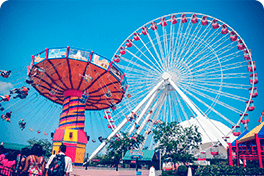
Standard sandbox configuration is designed to accommodate up to 10 players at a time. The interactive sandbox can be furnished with a payment system that will turn it into a vending machine. Your sandbox can perfectly fit into medium and large entertainment centers, as well as shopping mall playrooms.
- Amusement parks
- Indoor play areas
- Family centers
- Hotels, restaurants, cafes
- Airports and train stations
Exhibition / Presentation
Thanks to its simple design and great visualization capabilities, our projected reality station is a phenomenal tool for presentations.
Learn more
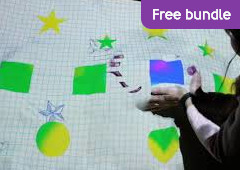
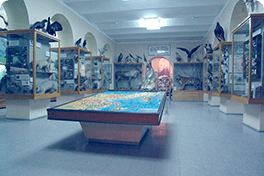
Build landscapes to demonstrate different natural phenomena, geology and seismology objects and effects, topography features and make your exhibits interesting for the audience. You can use your augmented reality sandbox as a colorful and extraordinary marketing tool. Just use the drawing mode to create bright diagrams or other graphical representations of any data.
- Museums
- Science centers
- Exhibitions
- Trade fairs
- Marketing agencies
Therapy / Rehabilitation
Our augmented reality sandbox is a great tool for Sandplay, a therapeutic method facilitating the psyche’s natural capacity for healing.
Learn more
A sandbox and small figures are used to create scenes of miniature worlds reflecting a person’s inner thoughts, struggles, and concerns.
Your augmented reality sandbox comes with colorful modes that allow for increasing the efficiency of therapy sessions making it more functional and engaging for wider audiences.

- Rehabilitation centers
- Psychology centers
- Therapy offices
- Hospitals
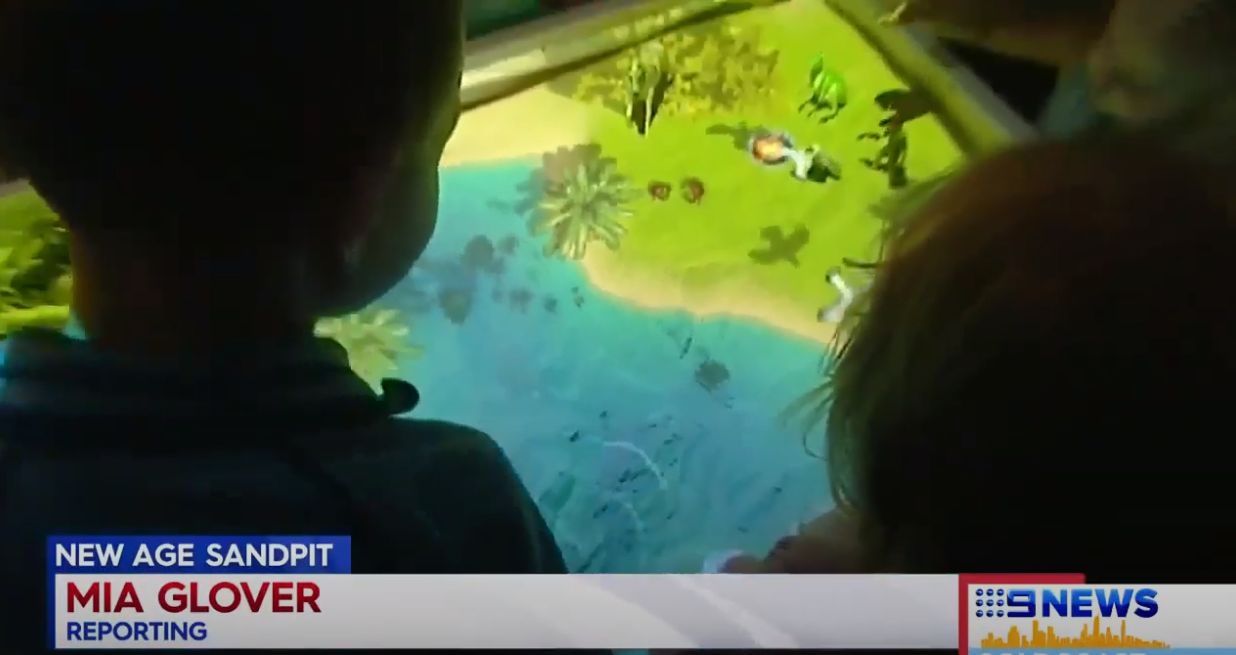
What news channels say
 ▶
▶ ▶
▶What our customers say
 ▶
▶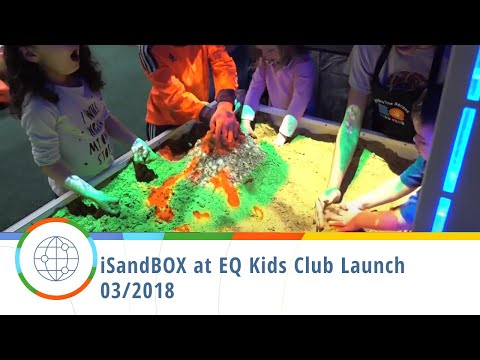 ▶
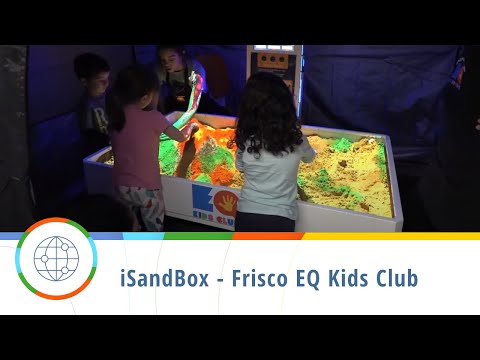
▶EQ Kids Club
iSandBOX can fit in any play and educational setting and become one of the central components of a fun learning environment. See how little visitors of EQ Kids Club USA enjoy playing with iSandBOX boosting their creativity and cognitive abilities.
It gives new positive emotions to children, expands their knowledge of forces of nature, flora and fauna, develops motor and communication skills. This is a great edutainment solution for kindergartens, preschools and elementary schools.
 ▶
▶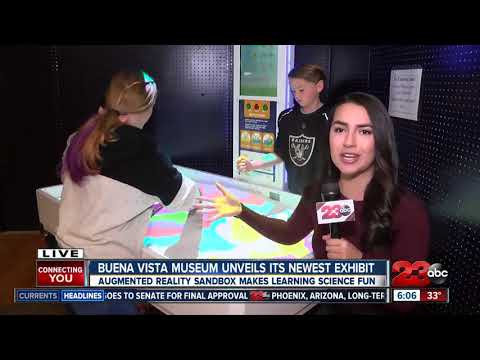 ▶
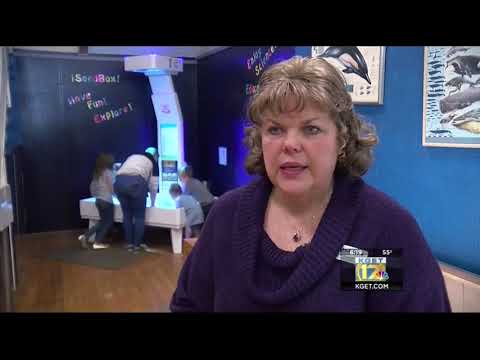
▶Buena Vista Museum
Buena Vista Museum in California gets iSandBOX augmented reality sandbox teaching kids earth science.
Conventional sand comes to life giving children a chance to learn about the earth, geology and history, stimulating creativity and developing imagination.
uTyala STEM Institute
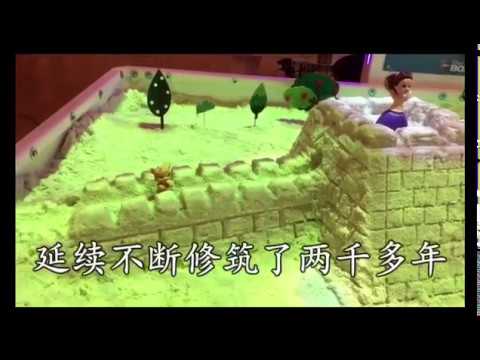
“uTyala STEM Institute is based in Johannesburg, South Africa. uTyala STEM Institute provides STEM education sessions as an extracurricular to Grade R-12 learners with the aim of developing critical, cognitive and independent thinking skills.”
“In addition, bespoke sessions are also developed for schools that wish to integrate STEM education as part of their current curriculum. 4IR technologies such as coding, robotics, augmented reality, virtual reality and 3D printing are used as enablers to facilitate the multidisciplinary application of knowledge that is obtained in the classroom.”
“ISandBOX is a unique product in terms of applying augmented reality technology. We particularly like the level of immersion when students interact with the product.”
“Our current clients are members of the STEM Institute. We have started penetrating the psychology sector. Potential clients love the product. The iSandBOX is adapted towards the lesson plans that are developed by the STEM Institute. In addition, it is also used for free play at daycare centers.”
“UTS has always been reliable, helpful and professional during interactions.”
 ▶
▶Shanghai Palm Intl
“Our company was founded in 1996, and our headquarter in Nanjing, and we have independent corporate companies in Shanghai, China, and Japan. Our main business is international trade.”
“We think iSandBOX is a great educational product for children, and it combines children’s interests with children’s educational needs. There are many similar AR sand tables in China, but our company chose iSandBOX because its software scenes are scientific, rigorous, logical and beautifully presented. In this way, the software scenes are more in line with the laws of children’s development cognition and are more meaningful.”
“At present, our main customers are children’s education institutions and kindergartens. For this reason, our company invested a lot of money in the research and development of children’s education courses to make iSandBOX meet the demand of China’s early childhood education market.”
“Our clients use iSandBOX for children’s classroom education, such as kindergarten special activity courses, teachers lead children to complete specific theme activities.”
“Universal Terminal Systems is a creative and passionate partner. We hope to work together with you to promote iSandBOX to the whole of China. We will also actively promote other industries such as children’s entertainment, technology popularization, treatment, and other industries.”
SHANGHAI PALM INTERNATIONAL CO.,LTD
State Darwin Museum
“We’ve started the year by installing two very interesting interactive exhibits. (iSandBOX is one of them). Our planet is still very young: active tectonic processes are underway, the climate is changing, the river beds, the sizes of lakes and seas are being transformed.”
“Now we have an interactive system (iSandBOX), where everyone can change the sand surface and see what happens with the Earth when the landscape is modified.”
A. Kluykina, Museum Director
 ▶
▶Yuinoki Senior Care Facility
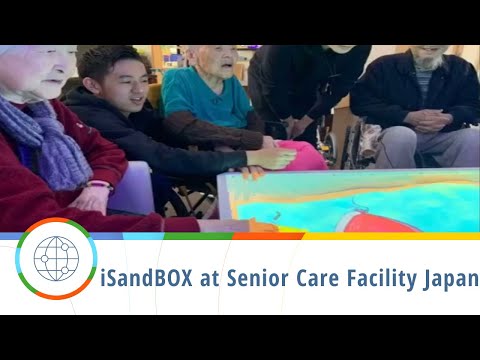
Family members (mainly children) who come to visit have come to play with iSandBOX, resulting in an increase in the frequency of visits as a result of wanting to play with iSandBOX again. We regularly hold events for children in nearby kindergartens and nursery schools for them to recite songs to the elderly and play with the iSandBOX.
Children are happy to play, and some bedridden residents feel better just by seeing their children playing, and their facial expressions become richer. In addition, children returning from school stop by the facility, play with the iSandBOX, and then play shogi (Japanese chess) with the elderly. With iSandBOX, children gather and play an active role in community exchanges.
 ▶
▶Caboolture Child Care
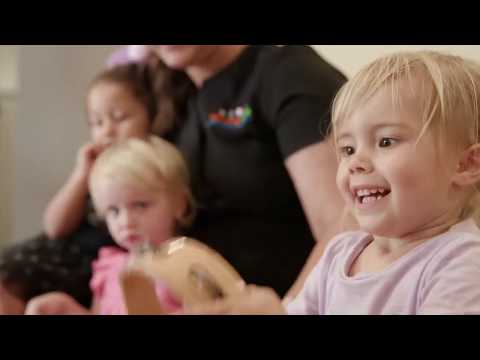
“Children love to explore and play in our stimulating learning environments that are designed to inspire curious young minds. There’s so much to discover in our purpose-built indoor spaces and our large outdoor areas that include a dry creek bed, a water play area, sandpits and a vegetable garden.
We also provide the latest interactive learning technology, including SMART Board Interactive Whiteboards and iSandbox, an exciting tool that encourages imaginative play and fosters language development.”
“Children love to explore and play in our stimulating learning environments that are designed to inspire curious young minds. There’s so much to discover in our purpose-built indoor spaces and our large outdoor areas that include a dry creek bed, a water play area, sandpits and a vegetable garden. We also provide the latest interactive learning technology, including SMART Board Interactive Whiteboards and iSandbox, an exciting tool that encourages imaginative play and fosters language development.”
“At Community Kids our educators specifically use this interactive tool to enable children to express ideas and to foster rich language use. In response to their evolving ideas and interests, we anticipate and extend children’s learning via open-ended questioning; encouraging feedback and dialogue about the experience, challenging their thinking and subsequently guiding their learning.”
“At Community Kids, all educational programs are guided by the Government’s Early Years Learning Framework. Our iSandBOX curriculum was developed to incorporate ‘Learning Environments’, ‘Learning Through Play’ and ‘Intentional Teaching’ specifically.”
Sealife Helsinki
“iSandBOX is located in our exhibition, so the children can play with it whenever they want to. We only use the Ocean program.”
“At first, it took a while to understand how iSandBOX works, but after that, it’s been quite simple. The best part of it is the interaction that the children get when they are using it.”
“They like it very much — younger children only play with the sand, but a bit older ones can spend a lot of time moving the sand around, building islands on the sand etc.”
Select your iSandBOX
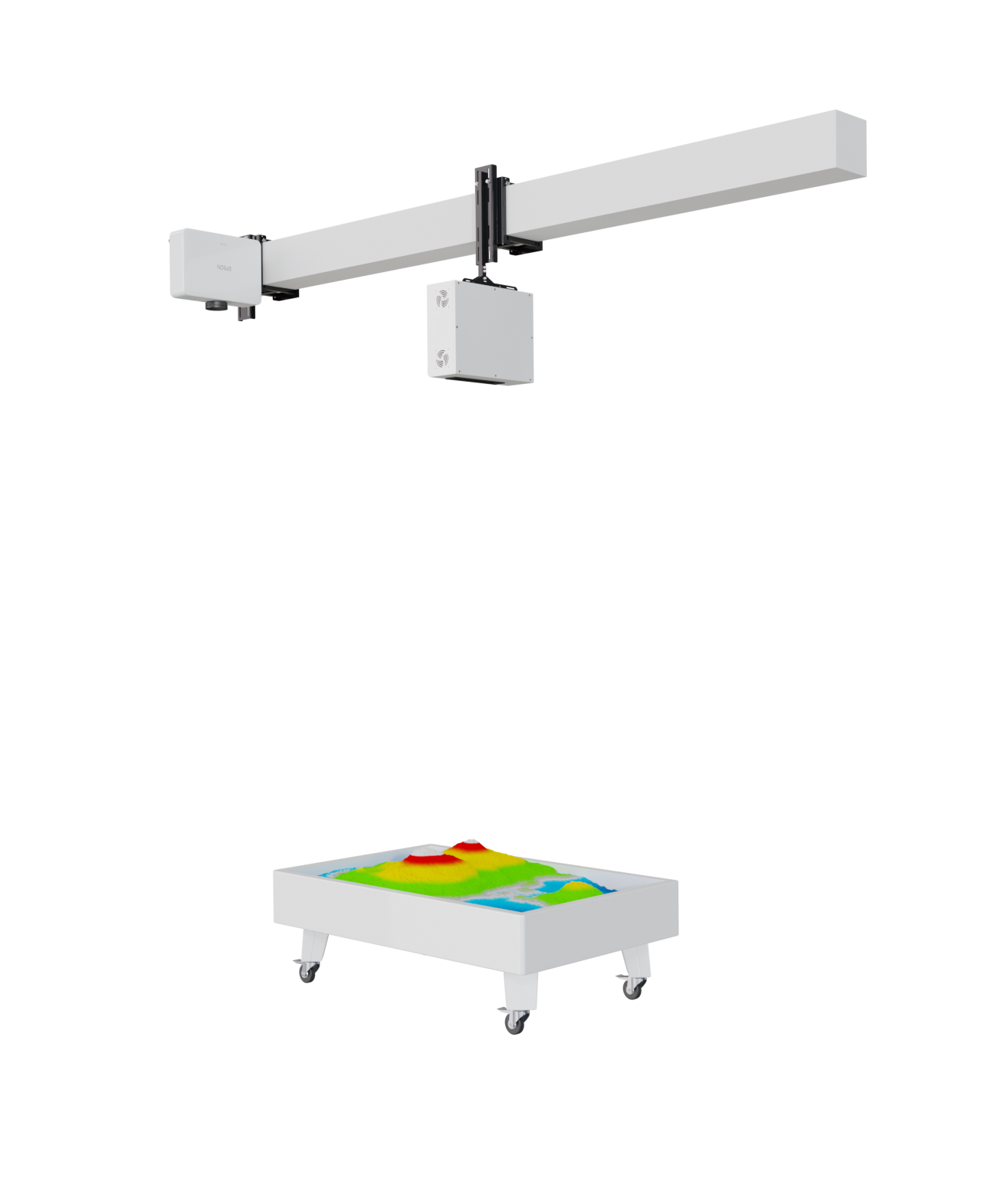
Adaptive
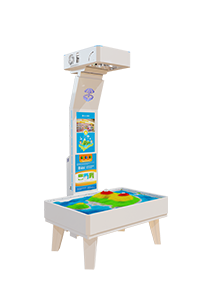
Mini
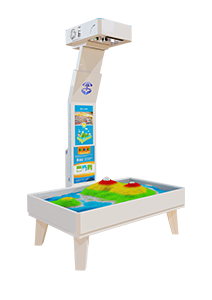
Standard
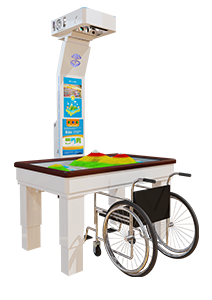
Special*
Compare iSandBOX modelsFind the right fit for your space.
| At a glance | iSandBOXAdaptive | iSandBOXMini | iSandBOXStandard | iSandBOXSpecial |
|---|---|---|---|---|
| Play & control | ||||
| Children playing together | Up to 10 | Up to 7 | Up to 10 | Up to 3 |
| Sand reservoir | Custom / supplied separately | Included | Included | Included |
| On-unit controls | Via tablet | Screen & buttons | Screen & buttons | Screen & buttons |
| Size & installation | ||||
| Overall dimensionsW × D × H, cm | 40 × 10 × 35Module only | 116 × 95 × 215 | 153 × 115 × 236 | 160 × 115 × 205 (240) |
| Reservoir dimensionsW × D × H, cm | Custom | 116 × 80 × 54 | 153 × 96.5 × 54 | 160 × 100 × 67 (102) |
| Weight without sandkg | Project-specific | 106 | 120 | 200 |
| Equipment footprintm² | Custom | ≈ 1.1 | ≈ 1.76 | ≈ 1.84 |
| Recommended sandkg | Custom | ≈ 150 | ≈ 220 | ≈ 240 |
| Projection | ||||
| Projector brightnesslm | From 3,5007,000–8,000 on request | From 3,500 | From 3,500 | From 3,000 |
| Make it yours | ||||
iSandBOXAdaptive
- Children playing together
- Up to 10
- Projector brightness
- From 3,5007,000–8,000 on requestlm
All specifications
Play & control
- Children playing together
- Up to 10
- Sand reservoir
- Custom / supplied separately
- On-unit controls
- Via tablet
Size & installation
- Overall dimensionsW × D × H, cm
- 40 × 10 × 35Module only
- Reservoir dimensionsW × D × H, cm
- Custom
- Weight without sandkg
- Project-specific
- Equipment footprintm²
- Custom
- Recommended sandkg
- Custom
Projection
- Projector brightnesslm
- From 3,5007,000–8,000 on request
iSandBOXMini
- Children playing together
- Up to 7
- Projector brightness
- From 3,500lm
All specifications
Play & control
- Children playing together
- Up to 7
- Sand reservoir
- Included
- On-unit controls
- Screen & buttons
Size & installation
- Overall dimensionsW × D × H, cm
- 116 × 95 × 215
- Reservoir dimensionsW × D × H, cm
- 116 × 80 × 54
- Weight without sandkg
- 106
- Equipment footprintm²
- ≈ 1.1
- Recommended sandkg
- ≈ 150
Projection
- Projector brightnesslm
- From 3,500
iSandBOXStandard
- Children playing together
- Up to 10
- Projector brightness
- From 3,500lm
All specifications
Play & control
- Children playing together
- Up to 10
- Sand reservoir
- Included
- On-unit controls
- Screen & buttons
Size & installation
- Overall dimensionsW × D × H, cm
- 153 × 115 × 236
- Reservoir dimensionsW × D × H, cm
- 153 × 96.5 × 54
- Weight without sandkg
- 120
- Equipment footprintm²
- ≈ 1.76
- Recommended sandkg
- ≈ 220
Projection
- Projector brightnesslm
- From 3,500
iSandBOXSpecial
- Children playing together
- Up to 3
- Projector brightness
- From 3,000lm
All specifications
Play & control
- Children playing together
- Up to 3
- Sand reservoir
- Included
- On-unit controls
- Screen & buttons
Size & installation
- Overall dimensionsW × D × H, cm
- 160 × 115 × 205 (240)
- Reservoir dimensionsW × D × H, cm
- 160 × 100 × 67 (102)
- Weight without sandkg
- 200
- Equipment footprintm²
- ≈ 1.84
- Recommended sandkg
- ≈ 240
Projection
- Projector brightnesslm
- From 3,000
Dimensions are width × depth × height. Footprint is calculated from overall width and depth; allow extra room for players and access. Parentheses show the alternative height for Special.
Sand is supplied separately. Sand quantities are approximate and depend on the fill depth.
iSandBOX Standard
Two starting configurations
Choose the computer configuration for your installation. Final hardware is specified in your quote.
iSandBOX Adaptive
Built around your project
Add an interactive projection system to a custom sand reservoir. The 40 × 10 × 35 cm dimensions refer to the equipment module; the reservoir, mounting and play area are planned for your space.
Projection starts at 3,500 lm, with 7,000–8,000 lm options available on request to suit your installation.
Included with every model
- Depth sensor
- Control tablet
- iSandBOX software
- Protective packaging
Features
Interactive
Virtual objects on the sand surface interact with each other (lions chase antelopes, volcanic bombs set forests on fire, etc.)

Modes
A large variety of educational and gaming modes with interactive scenarios. Regular issue of updates and new modes for your interactive sandbox

Tablet
You can easily manage your augmented reality sandbox with a tablet

Customizable
We develop scenarios for projecting custom images/animations for your augmented reality sandbox project
About us
Universal Terminal Systems has been developing augmented reality sandboxes and other unique products for business and children’s entertainment starting 2009. As a team of professionals in business, science, and technology, we strive to create the best innovative solutions for the interactive technology market. Our product line is not limited to projected reality sandboxes, and we are now serving more than 300 businesses in 60 countries!
Our partnership network is expanding, and we are constantly looking to build connections with thriving and ambitious businesses. Contact us today to find out how to become our partner in your country or region.
Facts and figures
years on the market
countries
partners around the world
children play with iSandBOX

Become a partner
Are you ready to become our partner? You will be the right match for us if:
- You are a business looking for new opportunities in the sphere of education, entertainment, and therapy with real social impact;
- You have at least 2 years record of successful sales in your market niche;
- You have ambitious B2B sales goals reinforced by professional marketing and sales teams;
- You have several representative offices in your region or a large e-commerce store shipping products to customers at a wide area.
We are looking forward to your assistance in creating better learning and playing experiences for children around the globe.
We offer:
- Sales and marketing toolkits;
- Opportunity to become an exclusive partner in your region;
- Substantial discounts and benefits;
- Innovative and high-quality equipment in the booming industry of AR/VR.
Frequently asked questions
What is iSandBOX power consumption?
The sandbox supports voltages from 100 to 240 V. The computer in Standard and Mini is equipped with a 450W power supply and the bill acceptor and the sensor are powered from the computer. The power consumption is as follows: computer 230W + projector 270W + monitor 60W, total: 560 W. The Lite version power consumption is 500W (no monitor).
With the augmented reality sandbox we provide power cables according to the power supply standards of each country.
What are the delivery terms for iSandBOX?
The AR sandobx is usually delivered to customers in plywood crates but it also possible to package the product in a foamed polyethylene wrapped with cardboard. We arrange AR sandbox shipping by air to the closest international airport (on CIP basis of Incoterms-2020), or door-to-door (DAP basis). It takes only several days to deliver the equipment to most distant locations. Land or sea deliveries are sometimes feasible for larger volumes, but obviously take more time. The shipment rate is calculated individually for each destination and AR sandbox shipment volume. It depends on the Incoterm selected, and may include packaging, international delivery, insurance and customs clearance. We collaborate with many international freight-forwarding companies, and choose the best delivery option for every customer.
How long does it take to manufacture an iSandBOX?
It takes 14+ business days for us to manufacture an augmented reality sandbox.
What is the best place to install the augmented reality sandbox?
Any place visited by a lot of children: schools and kindergartens, museums, cafes, children's game rooms, indoor playgrounds, child care centers, cinemas, shopping centers, exhibitions. In order to ensure bright and clear projection on the sand surface, install the augmented reality sandbox equipment in a shadowed place.
What is the difference in modes between different iSandBOX models?
The software package is the same for each iSandBOX model. Each augmented reality sandbox model is supplied with a default package of 26 basic modes. The number of modes may be increased up to 36 as an extra package.
Which sand is better to use in the augmented reality sandbox?
iSandBOX is supplied without sand because most of the time local sources of sand can be easier found and are less costly. If necessary, we can help you identify the suppliers in your area.
For your augmented reality sandbox, we recommend using regular small or medium fraction washed sand – river, sea beach, or quartz. When touched, it should give a pleasant feeling, and does not produce much dust. You can use certified sand for augmented reality sandbox playgrounds.
The lighter the sand color, the better the projection. However, please notice that a snow-white sand with glassy particles may result in blurred image due to optical refraction.
The sand can be dry or, if you are willing to create more sophisticated shapes and objects, be damped with several liters of water.
When after a while the sand in the augmented reality sandbox becomes saturated with impurities, we recommended completely replacing it. That can be done once in several months.
Regular sand proved to be the best substance for iSandBOX, though some of our customers tried salt, rice, paper pulp and even artificial snow as a substitute. Before trying any alternatives, we recommend to experiment with small quantities first.
Kinetic (polymeric) sand is not recommended for augmented reality sandboxes, because it is costly and it would cement soon.
What do I do if the augmented reality sandbox stops working?
Please contact our Technical Support, and we will reply within 24 hours.
Technical support contact details
WhatsApp: +359 88 881 3731,
E-mail: [email protected]
How do I assemble the iSandBOX?
Your iSandBOX will include detailed step-by-step instructions describing how to build the augmented reality sandbox. All necessary tools and fasteners (bolts, nuts, washers) are also included. If anything is missing, please contact our Technical Support. We assemble, test, disassemble and pack every augmented reality sandbox before shipping.
Technical support contact details
+359 88 881 3731
E-mail: [email protected]
Can I buy augmented reality software separately?
When purchasing a software package, study the PC requirements and check with your manager at UTS that your system matches them. After purchasing the augmented reality sandbox software you will receive a link to download the installation kit, your personal ID and access password to activate your software license. If necessary, UTS Technical Support will remotely assist you with augmented reality sandbox software installation and depth sensor calibration.
What warranty do you provide?
The warranty period for iSandBOX is 12 months. If any component of the augmented reality sandbox fails during this period, UTS will replace it free of charge. We assume all the expenses for replacing the failed unit, including the shipping costs. The augmented reality sandbox warranty does not cover physical damage or failures caused by moisture penetration or low temperatures. A warranty card with all the terms and conditions is included with your augmented reality sandbox.
Can iSandBOX be manufactured in a different housing or different dimensions?
Yes, it is absolutely possible. UTS has vast experience in designing and manufacturing equipment and branding elements. For your augmented reality sandbox, we can develop customized housing using various materials: metal, glass, plastic, wood, rubber, leather, etc.
At what height should iSandBOX Adaptive be installed?
The Lite version should be installed vertically, camera down, parallel to the floor, at the center of a sand container. The distance between the sand container bottom and the augmented reality sandbox sensor should be 170-180 cm. The area of the projected image changes depending on the height at which the augmented reality sandbox is installed.
How much sand is required for the Standard version?
The recommended amount of sand for this augmented reality sandbox is 200-220 kg.
Contact us
Universal Terminal System Ltd.
- 2, Odrin str, Burgas, Bulgaria, 8001
- [email protected]